

Reads the page as a text tree with refs
Every link, button and field gets a reference number, so the app knows what is on the page and targets it precisely.

Browser extension · version 0.9.0
Abdo Code Bridge
Abdo Code Bridge connects the Abdo Code desktop app (Windows) to your own tab in Chrome, Edge or Firefox: it reads the page, opens links, clicks and types — every action passes your approval, and nothing leaves your computer.
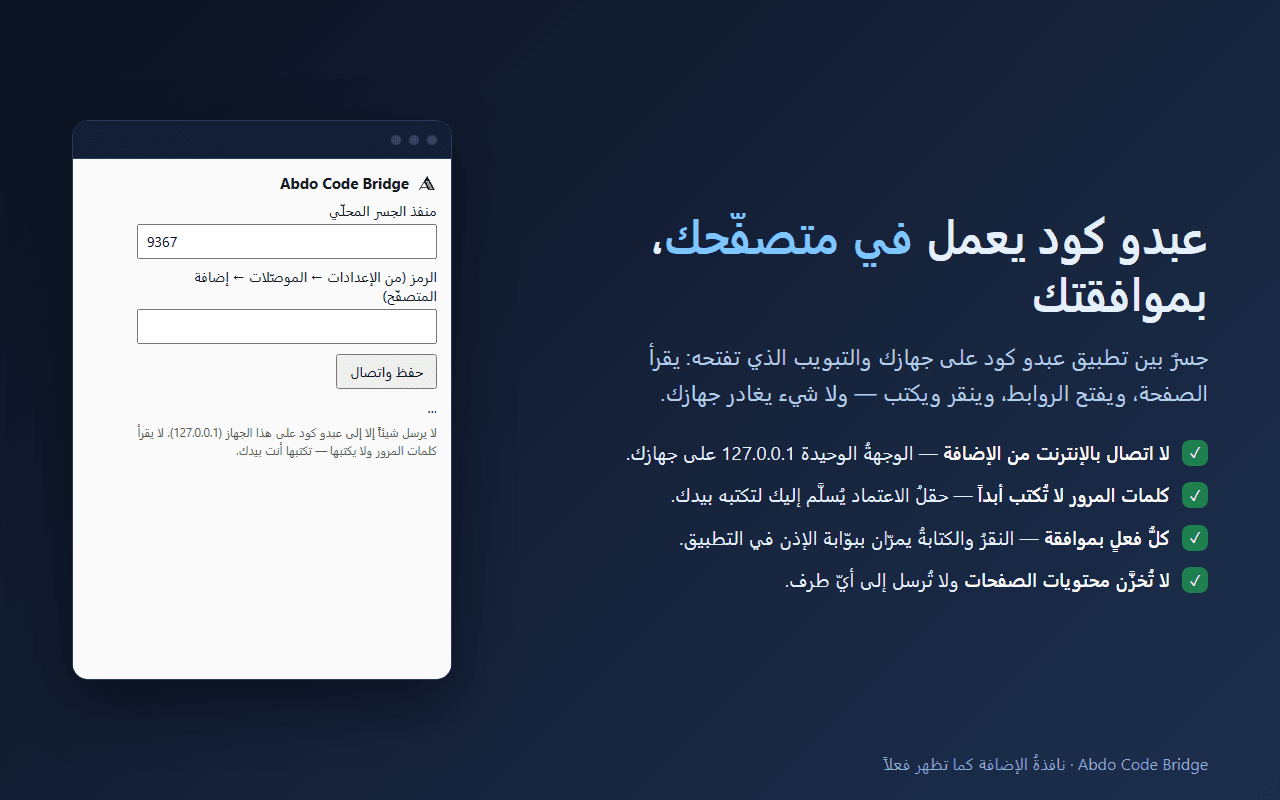
Every link, button and field gets a reference number, so the app knows what is on the page and targets it precisely.
http/https links, tabs (list, switch, open, close), back, forward and reload.
Real input events, as if you pressed them, including shortcuts like Ctrl+A. In Firefox, in-page events are dispatched instead and the reply says so.
Both browsers stay connected; actions go to the browser you used last.
Reaches elements inside shadow DOM and inside same-origin iframes.
Copies the whole page — HTML with its CSS and JS — like DevTools “Copy element”, as a design reference.
A capture of the full page height (up to 16384px), saved to your disk. Visible-area captures work in every browser.
Reads console messages and network requests to debug problems; the app masks secrets (access tokens and passwords in URLs) before the model sees them.
Puts a file into an upload field without the system dialog; the app refuses secret files such as .env and keys.
Picks options in dropdowns by value or visible text.
Drags one element onto another — for task boards, sortable lists and drop zones.
Open the popup with Alt+Shift+A, or keep it as a side panel in Chrome and Edge to watch the connection while you work.
The extension is built so you do not have to trust us: it has no way out of your computer.
Its only destination is 127.0.0.1 — the Abdo Code app on the same computer. Nothing passes through our servers or anyone else's.
It never fills passwords, one-time codes or card details — the field is handed back for you to type.
Clicks, typing and navigation pass the app’s approval gate before they happen.
The extension keeps no pages, history or cookies — only two values: the local bridge port and the pairing token.
The store version may lag the latest release until Mozilla’s review completes.
Open the store pageThe extension works together with the app. Latest release on GitHub, with a Windows x64 installer and SHA-256 checksums.
Yes. The extension is a bridge between the Abdo Code desktop app (Windows) and your tab; without the app it shows “not connected” by design.
No. The extension only talks to 127.0.0.1 — the Abdo Code app on your computer. What the app does next follows your settings there, such as the model you chose.
No. Password, one-time-code and card fields are excluded by design: their values are never read or filled, and you are asked to enter them yourself.
Chrome, Edge and Firefox. Full-page screenshots, console and network, file upload and trusted input need the debugger permission, which only Chrome and Edge provide.
Because it works on whatever page you opened, which cannot be limited to a fixed list of domains. In Chrome and Edge, debugger sends trusted input, takes full-page captures and reads console and network when you ask.
Soon. Until they are listed, install it manually from its folder (load unpacked) using the steps above, or use Firefox from its store today.
Disconnect it from Abdo Code → Settings → Connectors, or remove it from your browser’s extensions page and everything stops at once.
Before you continue — cookies
Essential cookies always run. We ask before we remember your display preferences on this device — nothing of that is stored before you agree, and you can withdraw any time from “Privacy settings” at the bottom of the page. Policy details